
How to Scrape Product Data from Walmart for Competitive Monitoring
Learn how to scrape Walmart product and search data for competitive monitoring. Real sample output covering pricing, stock, seller identity, and ratings.
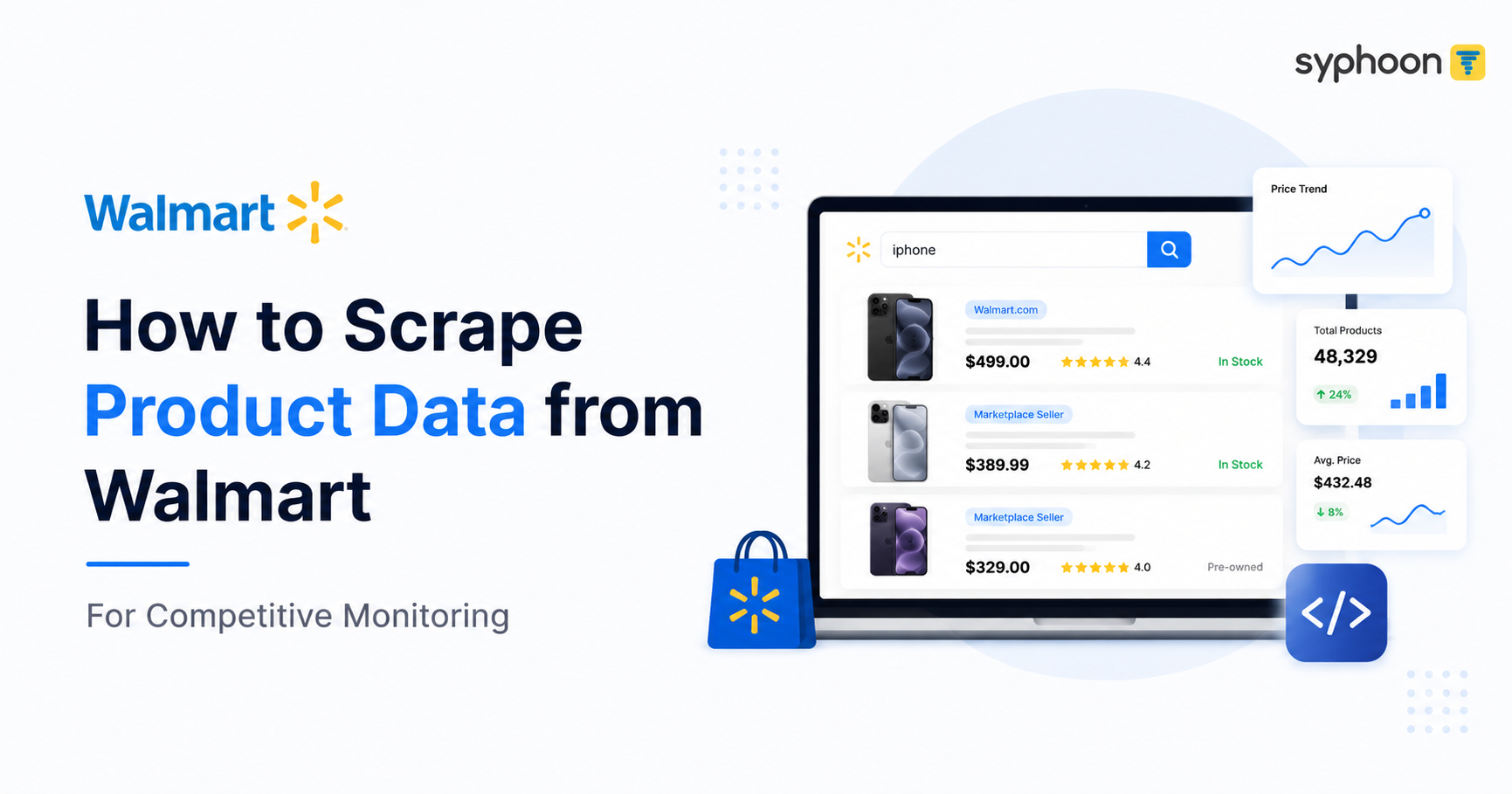
On Walmart's marketplace, a single search result can mix Walmart-fulfilled listings with dozens of third-party sellers, each offering the same or a similar product at a different price, condition, and shipping speed. A search for "iphone" turns up a Straight Talk iPhone 16e sold directly by Walmart.com at a range of $349 to $389.97 depending on storage, sitting a few rows above a pre-owned iPhone 14 from a marketplace seller called Wireless Source, priced from $260.39, with its own condition grade and its own review history. If you're tracking a category on Walmart, you're really tracking all of that at once, not one price on one page.
Competitive monitoring means pulling this data on a schedule, watching for changes in price, stock, and seller behavior, and catching moves early enough to act on them. This piece covers what that data actually looks like and how to turn a single scrape into something you can act on repeatedly. For a complete technical deep dive into the service, you can review the Walmart Scraper overview.
What Product and Listing Data Actually Contains
A Walmart product page and a Walmart search result carry different depth of information, but both center on the same core fields: price, stock, rating, seller, and condition.
| Field | What It Contains |
|---|---|
| usItemId | Walmart's unique identifier for the item |
| name | Full product title as listed |
| price / wasPrice | Current price and, when discounted, the pre-markdown reference price |
| averageRating / numberOfReviews | Aggregate rating and review count |
| sellerName / sellerId | Who's actually fulfilling the listing, Walmart.com or a third-party seller |
| isOutOfStock | Stock availability flag |
| badges | Signals like "Best seller," "In 500+ people's carts," or condition badges on pre-owned listings |
| canonicalUrl | Direct link to the product page |
| variantCriteria / minPriceForVariant | Where a listing has multiple options, the price range across variants |
| categoryPathName | Full category breadcrumb the item is filed under |
A Real Product Page: What Full Detail Looks Like
Here's what Syphoon actually returns for a Walmart product page, an RNRUO laptop:
{
  "item_id": "17828556665",
  "name": "RNRUO 15.6\" Pink Laptop Computer, 8GB RAM 256GB SSD, Intel 6500Y with 2 Cores, up to 3.4GHz, FHD Display, Office 2024, WiFi5 BT5.0, PC Laptop for Business, Student, Office",
  "brand": "RNRUO",
  "manufacturer_number": "RNR-NCS154YP-8-256G",
  "current_price": 239.49,
  "was_price": 529.00,
  "you_save": 289.51,
  "rating": 3.9,
  "review_count": 560,
  "seller_name": "RNRUO",
  "seller_rating": 3.7,
  "seller_review_count": 1133,
  "fulfilled_by": "Walmart",
  "category_path": "Home Page/Electronics/Computers, Laptops and Tablets/Laptops/Shop Laptops by Type/Ultrabooks",
  "badges": [
    "In 200+ people's carts",
    "Deal",
    "Overall pick"
  ],
  "free_shipping": true,
  "free_returns_days": 30,
  "variants": [
    {
      "edition": "8GB RAM+256GB ROM",
      "in_stock": true
    },
    {
      "edition": "12GB RAM+256GB ROM",
      "in_stock": false
    }
  ]
}Two things worth noting here. First, the seller rating (3.7 from 1,133 reviews) is separate from the product rating (3.9 from 560 reviews). A product can be well-reviewed while the seller behind it has a mixed track record, and a competitive dashboard tracking only product-level ratings misses that distinction entirely.
Second, one of the two RAM configurations is out of stock while the other is available. Stock status is per-variant, not per-listing, so a scraper checking only the top-level page can report a product as available when the specific configuration you care about is actually sold out.
Need reliable Walmart product data for competitive monitoring? Start Walmart Data Scraping
A Real Search Result: What a Category Actually Looks Like
Searching "iphone" on Walmart returns a genuine mix of sellers, conditions, and price structures within the same result set:
[
  {
    "us_item_id": "5058765067",
    "name": "Straight Talk Apple iPhone 15, 128GB, 5G, Black - Prepaid Smartphone",
    "seller_name": "Walmart.com",
    "price": 499.00,
    "rating": 4.4,
    "review_count": 902,
    "badges": [
      "Best seller"
    ],
    "out_of_stock": false
  },
  {
    "us_item_id": "14822456361",
    "name": "Straight Talk Apple iPhone 16e, 5G, 128GB, Black - Prepaid Smartphone",
    "seller_name": "Walmart.com",
    "price_range": "349.00-389.97",
    "rating": 4.4,
    "review_count": 2443,
    "badges": [
      "In 500+ people's carts"
    ],
    "out_of_stock": false
  },
  {
    "us_item_id": "20278501094",
    "name": "Pre-Owned Unlocked Apple iPhone 14 A2649, 128GB, 6GB RAM, Blue",
    "seller_name": "Wireless Source",
    "price_range": "260.39+",
    "rating": 4.5,
    "review_count": 86,
    "badges": [
      "Pre-Owned: Good"
    ],
    "out_of_stock": false
  }
]Notice the third listing: a pre-owned iPhone 14 from a marketplace seller called Wireless Source, priced well below the new Walmart.com listings, with its own condition badge and a much smaller but strong review base. If you're only tracking Walmart-fulfilled listings, this entire competitive layer, third-party sellers undercutting on price with pre-owned or refurbished stock, doesn't show up in your data at all. It's a real part of the pricing landscape a shopper sees, and it's often the more aggressive competitor on price.
Why Seller Identity Changes What the Data Means
The same search also turned up a pre-owned iPhone 12 sold directly by Walmart at $199, rated 3.0 from only 2 reviews. Compare that to the Wireless Source iPhone 14 at a similar price point but rated 4.5 from 86 reviews. A rating alone doesn't tell you which listing is actually trustworthy, since a 3.0 from 2 reviews and a 4.5 from 86 reviews carry very different weight. Tracking review count alongside rating is what lets you tell a genuinely well-regarded listing from one that just hasn't accumulated enough reviews to be meaningful yet.
Building a Monitoring Workflow
A single scrape gives you a snapshot: today's price, today's stock, today's badges. Monitoring means running the same set of product URLs and search queries on a schedule, storing each result with a timestamp, and comparing runs over time. That history is what lets you catch a competitor's price drop the day it happens, a stockout that opens a window, or a new marketplace seller entering a category you're watching.
Syphoon pulls both product-detail and search-result data from Walmart on the URLs and keywords you specify, returning the fields shown above in consistent structure. Variant-level stock, seller identity, and badge data all come through, so your team isn't stuck guessing why a listing that seemed in stock yesterday shows as unavailable today.
The service offers transparent Walmart Scraper pricing to fit various business needs, and you can get started quickly by visiting the dedicated Walmart scraper page.
For implementation details, the authentication guide explains how to securely connect to the API, while the documentation on response structure & status codes helps you parse the returned data efficiently.
Frequently Asked Questions
Get Walmart Product Data Directly from the Source
Get Walmart product data without manually tracking prices, stock, sellers, and product variants. Syphoon's Walmart Scraper API extracts product and search-result data in a consistent, structured format.
Written by Anton Won
@anton_intelSpecializing in distributed crawling architectures, stealth browser engines, and high-throughput proxy rotation across global e-commerce and social networks.
Related Engineering Guides

LinkedIn Company Scraper: Extract Company Data via API
Extract LinkedIn company data via API: headcount, employees, posts, similar and affiliated companies. Full field reference and real use cases.
Syphoon LLM Scraper: How Google, ChatGPT, Gemini & Perplexity Answer Search Queries
Track how Google, ChatGPT, Gemini, and Perplexity actually answer search queries, including AI Overview and AI Mode. Six dedicated endpoints, one clean data layer.