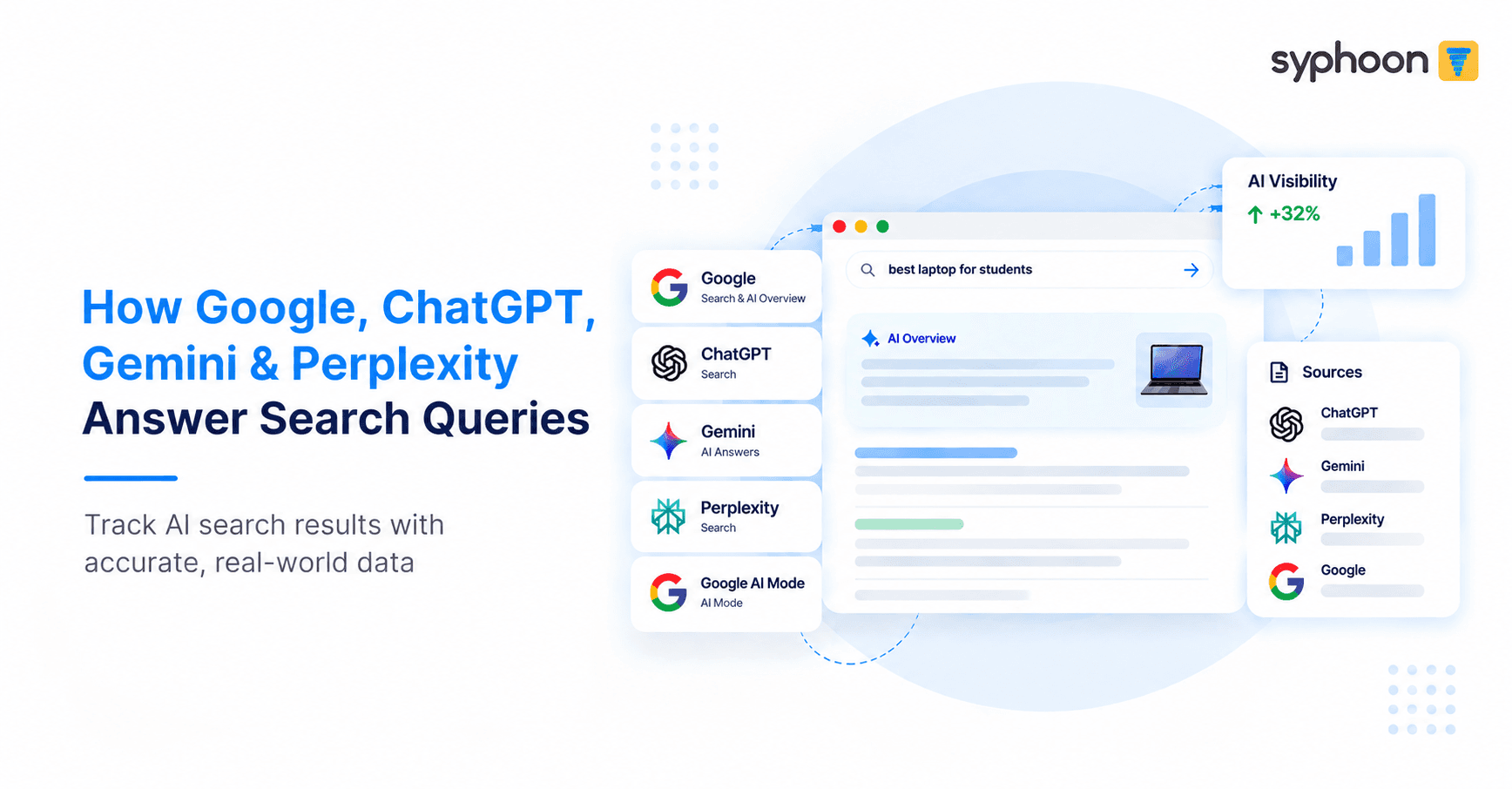
Search results don't look the same for everyone anymore. Depending on where and how someone searches, they might see a standard Google results page, an AI-generated summary above the links, or a full conversational answer from ChatGPT, Gemini, or Perplexity, each with its own sources attached. If your business depends on knowing what a real searcher actually sees, an LLM Scraper can help capture these search and AI answer formats accurately and consistently for SEO tracking, competitive monitoring, or AI visibility reporting.
Syphoon covers Google Search (with and without JavaScript, including AI Overview), Google AI Mode, Gemini, Perplexity, and ChatGPT search, and it's built to handle this reliably at high volume.
Need Reliable LLM and SERP Scraping API?
Coverage at a Glance
Each platform runs as its own dedicated endpoint. You send a query or a pre-built URL, and you get back either the HTML directly or a link to a compressed HTML file, depending on what fits your pipeline.
| Platform | Device coverage | What you get |
|---|---|---|
| Google SERP (no JS) | Desktop + iOS mobile | Full results page, including ads |
| Google SERP (JS) + AI Overview | Desktop | Full page with AI Overview expanded |
| Google AI Mode | Desktop | Full AI Mode response page |
| Gemini | Desktop | Response page with sources |
| Perplexity | Desktop | Response page with sources |
| ChatGPT (SearchGPT) | Desktop | Response page with sources panel open |
Google SERP Scraper, Without JavaScript
This is the baseline Google SERP scraper: fast, static, and built for volume. You send a fully constructed URL with your own query parameters, language, location, and so on, and it's used exactly as given. Nothing gets rewritten or normalized on our end, which matters if you're testing geo-specific or language-specific results.
The output includes standard organic results and Google Ads, since ad presence is often part of what teams are actually trying to track. For mobile, results come specifically from iOS. Desktop makes up the majority of the volume we handle, with mobile as a smaller, dedicated slice.
Google SERP Scraper, With JavaScript and AI Overview
Some queries only show their full picture after JavaScript runs, and AI Overview is the clearest example. A lot of AI Overview content is collapsed by default behind a “Show more” prompt. This scraper clicks through that, waits for the expanded content to fully load, and only then captures the page.
That distinction matters for teams building AI visibility tracking on top of a SERP dataset. A snapshot taken before the overview expands is incomplete, and incomplete data leads to wrong conclusions about whether a brand is actually showing up in the AI Overview or not. This endpoint also supports geo-location control for shopping-related results, since those can vary significantly by region.
Google AI Mode Scraper
AI Mode is treated as its own endpoint rather than a variant of the standard SERP. You send the constructed URL, the full conversational response gets rendered, and the page comes back as-is. As with standard SERP, the URL and its parameters are never modified on our side. This is currently a desktop-only capability, matching where AI Mode usage is concentrated right now.
If you're evaluating a Google AI Mode scraper for a visibility tracking tool, the key thing to know is that this endpoint is purpose-built for that response format, not a repurposed SERP scraper.
Gemini Scraper
For Gemini, you send a request with your query, and the response comes back as an HTML snapshot of the rendered answer with sources visible. The same core principle applies here as everywhere else: no login, no partial loads, no UI clutter in the output. If Gemini shows citations for a given answer, those citations are captured and present in the returned HTML.
This runs on desktop for now. Query naming is flexible on our side, so integration doesn't require matching a rigid schema.
Perplexity Scraper
Perplexity works slightly differently in that you send a pre-constructed Perplexity URL rather than a raw keyword, and it's loaded exactly as provided. The fully rendered response gets captured along with its source citations. Perplexity is well known for how central citations are to its answers, so citation presence is treated as a required part of a valid response, not an optional extra.
Desktop only for now, same as Gemini and AI Mode.
ChatGPT Search Scraper (SearchGPT)
This is the most involved of the six, because ChatGPT search has a specific interaction sequence that has to be reproduced correctly to get a valid result. You send a query field, either keyword or prompt, and the process on our end looks like this:
- Load chatgpt.com in a logged-out session
- Enter the query and explicitly enable web search through the interface
- Wait for the response to fully generate
- Open the Sources panel so citations are visible
- Capture the rendered page
This runs entirely without authentication: no accounts, no logged-in sessions. And a result without visible citations and links is treated as invalid, not partial. If sources aren't present, it's not a usable snapshot.
Output comes back either synchronously in the response or asynchronously to a webhook, depending on what your system expects.
Why This Matters for SEO and AI Visibility Platforms
Teams building SEO tools or AI visibility trackers usually run into the same wall: search results and AI answers change format constantly, they're hard to render consistently, and doing this reliably across six different engines at volume is a full engineering problem on its own. Syphoon exists to be the layer that handles that problem, so a Web Scraping for LLM solution is something you plug in rather than something you build and maintain in-house.
If you're comparing this against a general-purpose search engine scraper or a Google SERP scraper patched together internally, the difference shows up mainly in consistency at scale. Every engine has its own endpoint, its own validated output format, and its own handling for the specific quirks of that platform, whether that's AI Overview's collapsed content, ChatGPT's citation requirement, or Perplexity's URL-based requests.
Frequently Asked Questions
Track AI Search Results With Syphoon
Get accurate LLM scraping data for Google, ChatGPT, Gemini, and Perplexity.
Join Our Community
Connect with our team, discuss your use case, ask technical questions, and share feedback with a community of people working on similar problems.