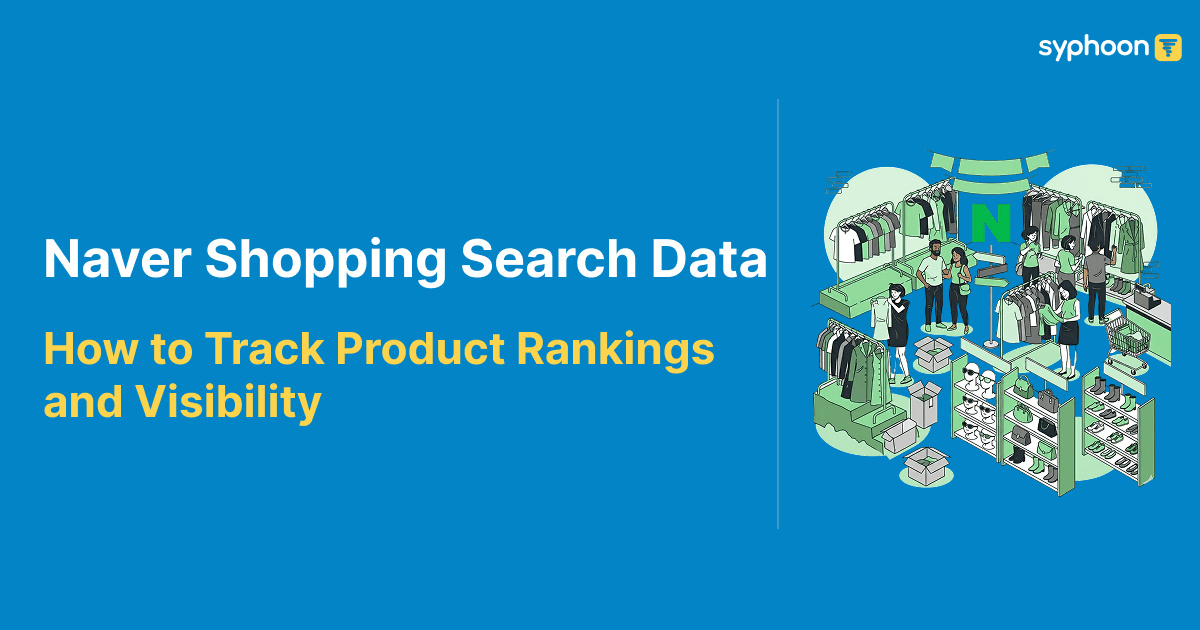
On Naver Shopping, the search position determines whether a product gets seen. Korea's dominant search and shopping platform generates the majority of its product discovery through keyword-driven search, and where a listing ranks for any given query has a direct effect on traffic, visibility, and sales. For brands, sellers, and data teams operating in the Korean market, collecting Naver shopping search data at scale with Syphoon is the foundation of any serious marketplace intelligence strategy.
This guide explains what Naver Shopping search data covers, how to collect it programmatically, and what teams typically use it for. For a deeper look at why extracting data from this ecosystem is critical, check out our guide on why to choose a Naver scraping API.
What Is Naver Shopping Search Data?
Naver Shopping search data is the structured result set that Naver returns when a user searches for a product keyword on its shopping platform. Each search query returns a ranked list of products, with each listing carrying attributes including title, price, seller, rating, and category.
Programmatically, this data is accessible through Naver's internal shopping search API. Syphoon's Naver Shopping Search Data API routes requests to this endpoint, handles authentication and IP access, and returns the response as structured JSON. The endpoint supports the full range of Naver's native search parameters: keyword query, sort order, price range filtering, page index, page size, and product set type.
A typical request targets Naver's /api/search/all endpoints with a query and pagination parameters. The paginated structure means you can collect search results across multiple pages in a single scheduled job, building a complete picture of how products rank across positions for any keyword at any point in time.
What Can You Track in Naver Shopping Search Results?
Naver Shopping search results carry more information than a typical product listing. Each result in the response represents a product appearing in a specific ranked position for a given keyword query, and the data associated with that result reflects how Naver has indexed and categorised the listing.
From a search result response you can track the keyword used in the query, the ranking position of each product within the paginated result set, the product title as Naver indexes it, the product URL linking to the Smart Store or catalogue listing, the current price, the selling merchant or Smart Store name, the rating and review count where present, and the category classification Naver has assigned to the product.
Combining the paginated structure with position within each page gives you an effective ranking index for any product across any keyword. A product appearing at position 3 on page 1 of a 40-result page ranks at approximately position 3 overall. A product appearing at position 15 on page 3 of the same query ranks at approximately position 95. Tracked over time, these positions form a search ranking history.
Need to track product rankings across Naver Shopping keywords?
Why Product Ranking Tracking Matters on Naver
Naver Shopping rankings are not static. They shift in response to pricing changes, promotional activity, review accumulation, listing optimisation, and algorithmic updates. A product that ranked in the top 10 for a high-volume keyword this week may drop significantly by next week if a competitor adjusts pricing or launches a benefit campaign.
For brands and sellers, understanding ranking movement is inseparable from understanding commercial performance. (See our analysis on why to choose a Naver scraping API to learn more about the unique dynamics of the platform). A sudden drop in search position for a core keyword is often the earliest signal of a competitive threat, a pricing problem, or a listing issue that needs attention. Without systematic data collection, that signal arrives late or not at all.
Tracking rankings also surfaces patterns that are not visible from within a single Smart Store account. Naver's seller dashboard shows you your own data. It does not show you where competitors rank, how their positions move in relation to yours, or how pricing changes correlate with ranking shifts across the category.
For product launches, search ranking data provides an objective measure of early marketplace traction. Watching where a new listing enters the keyword ranking and how it moves in the first weeks after launch tells you whether the listing is gaining organic visibility or requires intervention on pricing, title, or benefit configuration.
Want real-time visibility into competitor search positions?
Use Cases for Naver Shopping Search Data
- Marketplace SEO and listing optimisation. Tracking which keywords a product ranks for and at what position helps sellers identify where to invest in listing improvements, title adjustments, or pricing changes to move up in results pages. This is the Korean equivalent of SEO keyword tracking for web content.
- Share of search analysis. For brands with multiple listings or product lines on Naver Shopping, tracking what proportion of top-ranking positions belong to your products versus competitors across a category gives you a direct share of search metric. This is useful for quarterly reviews and commercial planning.
- Competitor position monitoring. Tracking a competitor's product listings across target keywords over time shows you how their visibility evolves relative to yours. (For more details on setting up these tracking workflows, check out our guide on retail competitive price monitoring). If a competitor consistently holds positions 1 through 3 for a high-volume query, that data makes the competitive gap concrete and measurable rather than anecdotal.
- Pricing and ranking correlation. When combined with price data from the product endpoint, search ranking data allows you to test and observe the relationship between pricing levels and ranking position. This is particularly relevant on Naver Shopping, where price is a significant algorithmic input. To learn more about how brands monitor and react to these shifts, see our guide on retail competitive price monitoring.
- Category monitoring. Tracking which sellers and products dominate search results across a product category over time provides a market structure view that is difficult to obtain any other way. Category monitoring is used by brands evaluating market entry, investors conducting due diligence, and retailers benchmarking their catalogue performance against the category as a whole.
- Product launch tracking. For new listings entering a category, monitoring keyword search results daily in the weeks after launch shows how quickly the listing gains search visibility and where it stabilises in the ranking distribution.
Need help analyzing keyword rankings and share of search on Naver Shopping?
How Syphoon Helps Track Naver Shopping Rankings
Syphoon's Naver Shopping Search Data API makes keyword-based ranking data collection straightforward. You provide the target Naver search API URL, including your query, sort preference, page index, page size, and any price filters. Syphoon handles proxy routing, anti-bot management, and response delivery, returning Naver's structured JSON response directly.
The request structure is consistent across all queries:
1curl --location 'https://naverapi.syphoon.com'
2
3--header 'Content-Type: application/json'
4
5--data '{
6    "key": "YOUR_SYPHOON_KEY",
7    "url": "https://search.shopping.naver.com/api/search/all?sort=rel&pagingIndex=1&pagingSize=40&viewType=list&productSet=total&query=laptop&origQuery=laptop",
8    "method": "GET"
9}'1import requests
2import json
3
4payload = json.dumps({
5 "key": "YOUR_SYPHOON_KEY",
6 "url": "https://search.shopping.naver.com/api/search/all?sort=rel&pagingIndex=1&pagingSize=40&viewType=list&productSet=total&query=laptop&origQuery=laptop",
7 "method": "GET"
8})
9
10response = requests.post(
11 "https://naverapi.syphoon.com",
12 headers={"Content-Type": "application/json"},
13 data=payload
14)
15
16print(response.text)Adjusting pagingIndex allows you to paginate through results, collecting ranked product listings across as many pages as your use case requires. Adjusting sort lets you alternate between relevance, price, and other Naver-native sort options, each of which reflects a different dimension of product visibility on the platform.
For teams running scheduled collection jobs, each API call returns a complete snapshot of search results for the query at that moment. Running the same queries daily or weekly builds a time-series ranking dataset without additional infrastructure.
Connect Search Ranking Data with Product Data
Search ranking data becomes significantly more useful when combined with product-level data. A ranking position tells you where a product appears. The corresponding product data tells you what that listing looks like at that moment: its price, benefit configuration, rating, review count, and title.
Syphoon's Naver Scraper API includes both the shopping search data endpoint and the product and benefit endpoints in the same platform. This means you can collect a search result set, extract the product URLs from the response, and feed those URLs directly into product benefit requests to enrich each ranking entry with its full product data.
The resulting dataset connects ranking position, current price, active benefits, rating, and review count for every product appearing in a search result. That combination supports the analysis that matters most: understanding not just where products rank, but why, and what changes in the product data correlate with ranking movements over time. For more information on plans, see the Naver Scraper API pricing page.
To start collecting Naver Shopping search data, see the Naver Shopping Search Data API documentation. For a complete overview of all five Naver endpoints available through Syphoon, visit the Naver Scraper API overview.
FAQs
Join Our Community
Connect with our team, discuss your use case, ask technical questions, and share feedback with a community of people working on similar problems.