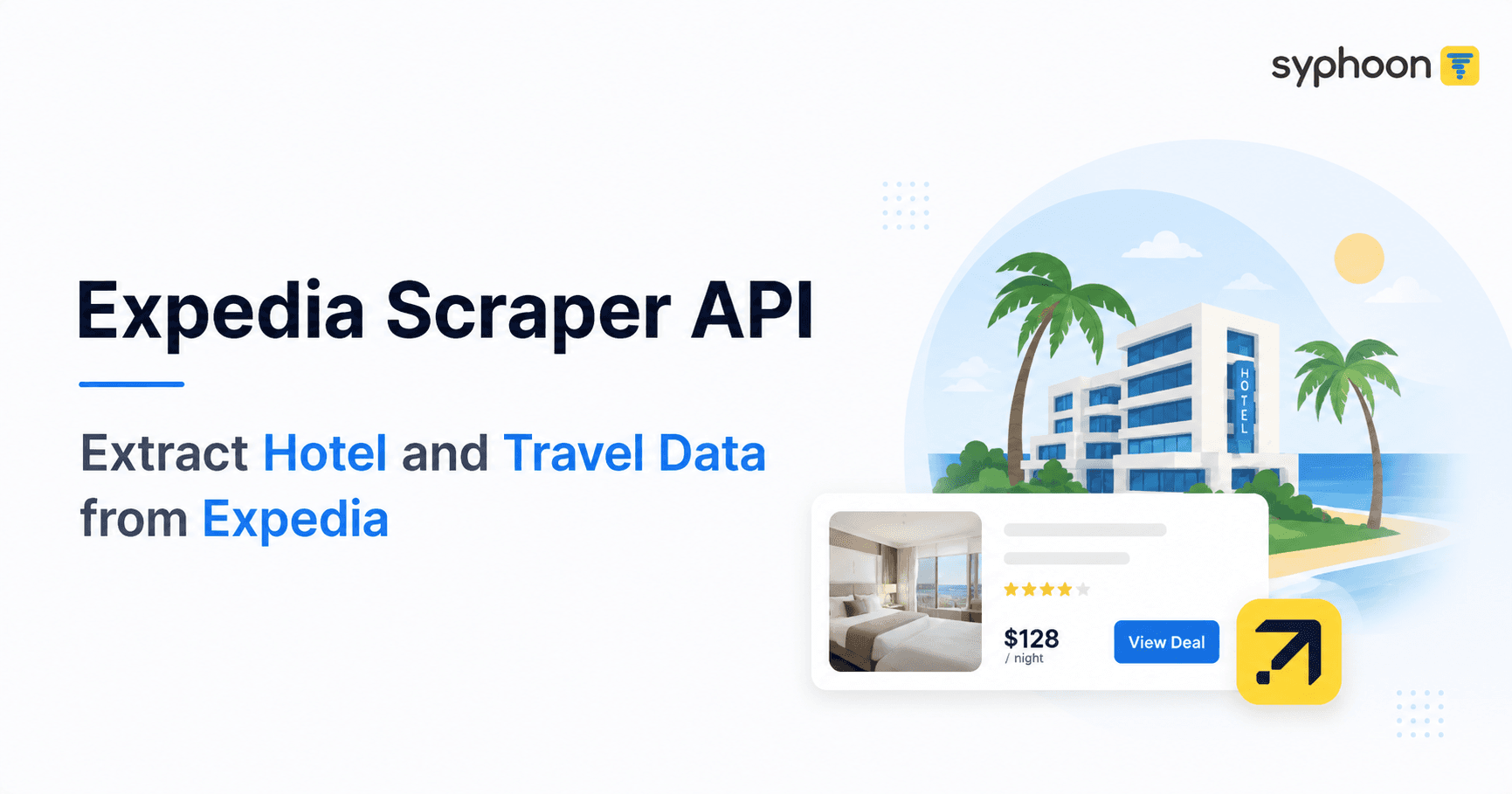
Expedia's website doesn't generate a finished page on the server and hand it to your browser. It calls its own internal API, gets back structured data, and builds the page client-side from that. Expedia Group has written publicly about moving their web and mobile frontends onto a single GraphQL gateway, specifically because maintaining separate REST endpoints for every client platform had become unmanageable for their engineering teams. The visible page you see when you search for a hotel is the last step in that process, not the source of the data.
Most Expedia scraper API tools work against that last step. They load the page in a headless browser, wait for JavaScript to finish rendering, then run CSS selectors against the resulting HTML to pull out prices and hotel names. It works, technically. But it means reconstructing structured data out of a page that was itself built from structured data a moment earlier, and redoing that reconstruction every time the page layout changes.
What Changes When You Query the GraphQL Layer Directly
The practical difference shows up in four places, and each one costs real time when you're running this at scale.
1. Query Control
With a GraphQL request, you write the query and specify exactly which fields come back. Want prices in EUR instead of USD? Change one variable in the request. Need occupancy for 4 guests instead of 2? Same thing. With HTML scraping, you either re-run the entire search with different URL parameters and re-parse the whole page, or you accept whatever the default rendered view gives you and work around it.
2. Pagination
Expedia's search results page uses scroll-based loading. To get past the first batch of hotels, your scraper has to simulate a scroll event, wait for more results to load, check if new content actually appeared, and repeat. If a scroll action fires too early or the page hasn't finished loading, you silently miss hotels and don't know it. Pagination through the GraphQL request is a matter of changing a numerical value in the POST body. No scrolling, no waiting to see if content loaded, no guessing whether you got everything.
3. Parsing Reliability
HTML selectors break when Expedia redesigns a page section, renames a CSS class, or A/B tests a new layout to some percentage of users. This happens often enough that anyone running an HTML-based scraper needs someone checking selectors regularly. A GraphQL schema is a contract between Expedia's frontend and backend. It doesn't get casually redesigned the way visual layouts do, because breaking it breaks Expedia's own website for every user, not just your scraper. There's a smaller but genuinely useful side benefit too: the schema comes with its own field names already defined. You're not inventing your own label for "the price before discounts get applied" and hoping it's consistent across your dataset. Expedia already named it.
4. Data Completeness
The rendered page only shows what fits the UI. The underlying GraphQL response includes fields the frontend never displays: identifiers like itemId and regionId, and an array of amenities where the page only shows the first several with a "show more" link. The standard rate shown before discounts and rewards, for instance, is a field in Expedia's schema called priceDisclaimer, a good example of both the completeness point and the naming point above: it exists in the data whether or not the page renders it, and it already has a defined name.
Need reliable Expedia hotel data extracted directly via GraphQL API?
What Syphoon's Expedia Scraper API Actually Returns
Here's real output from a Dubai hotel search, structured from the underlying data Expedia's own frontend uses to build the page:
1{
2  "checkin": "2025-05-03",
3  "checkout": "2025-05-05",
4  "destination": "DUBAI",
5  "currency": "USD",
6  "property_name": "Rove City Walk",
7  "property_id": "68997818",
8  "star_rating": 3.0,
9  "review_rating": 9.4,
10  "review_count": 1025,
11  "property_address": "Al Wasl and Al Safa road-junction, Sheikh Zayed road, Dubai",
12  "property_flash_title": "Prices are lower than typical",
13  "room_type": "Rover Room - Free Shuttle Bus To The Beach & Dubai Mall",
14  "room_rating": 8.8,
15  "room_review_count": 108,
16  "original_price": 165,
17  "current_price": 132,
18  "room_discount_percentage": 20,
19  "discount_title": "$66 off",
20  "property_amenities": "[full structured amenity list]",
21  "property_policies": "[check-in/out times, special instructions]",
22  "property_images": ["[array of image URLs]"],
23  "created_at": "2025-04-28T12:42:18"
24}
Pricing & Discount Logic Note
One thing worth pointing out in that response: original_price and current_price are per-night rates, but discount_title reflects the total dollar amount off for the full stay. $165 minus $132 is $33 per night. Multiply by the 2-night stay and you get $66, which matches discount_title exactly. That's not visible unless you actually look at how these fields relate to each other across a real booking window, and it matters if you're building a pricing model that assumes discount_title is a per-night figure. It isn't.
Full Data Coverage
This is the complete set of fields Syphoon extracts per property and room combination. Unlike CSS-selector scraping, this holds constant across hotel categories, destinations, and Expedia's periodic frontend redesigns, because we're reading the same data contract Expedia's own site depends on.
| Field | Description |
|---|---|
| property_name / property_id | Hotel name and Expedia's internal property identifier |
| star_rating / review_rating / review_count | Official star class plus guest review score and volume |
| property_address | Full street address |
| property_description | Editorial description of the property and neighborhood |
| property_amenities | Complete amenity list by category (internet, parking, food, etc.), including items not shown on the rendered page |
| property_images | Full image set for the property |
| property_flash_title | Expedia's own pricing signal (e.g. "Prices are lower than typical") |
| property_policies | Check-in/out windows, age requirements, special instructions |
| room_id / room_type | Specific room identifier and name |
| room_images / room_amenities | Room-specific photos and amenities |
| room_rating / room_review_count | Guest rating for that specific room type |
| room_flash_title | Scarcity signal (e.g. "We have 3 left") |
| original_price / current_price | Per-night rate before and after discount |
| room_discount_percentage / discount_title | Percentage off and total dollar discount for the stay |
| all_room_info | Full array of every room type and rate on the property page, not just the top result |
| nearby_places | Points of interest and distances shown in the property's "Explore the area" section |
| checkin / checkout / pax_count | Search parameters used for that query |
| destination / destination_id / country / currency | Location and currency context for the search |
Where This Puts You Against the Rest of the Market
Most Expedia scraping tools on the market today are built around the same pattern: launch a headless browser, render the page, extract with CSS selectors, return HTML or a lightly parsed version of it. That's a completely valid approach for a lot of scraping targets. Expedia isn't the best fit for it, because the site's own architecture routes through GraphQL first and HTML second. Reading the GraphQL layer directly means fewer moving parts breaking silently, no scroll simulation, and access to fields that never render on the page in the first place. For a detailed overview of how this works in practice, you can explore the Expedia scraper documentation to understand the technical implementation.
The key difference between HTML parsing and direct API access comes down to stability. When you're building a production-grade data pipeline, you need to know that your extraction logic will continue working tomorrow, next week, and next month. The HTML parsing approach requires constant maintenance, while the GraphQL approach gives you a stable contract that Expedia itself depends on for its own operations.
This isn't about one provider versus another on marketing claims. It's a difference in what layer of the site you're reading from, and that difference shows up directly in how much data you get back and how often your pipeline needs someone to go fix it. When you're dealing with response structures and status codes, having a consistent, well-documented API response format saves countless hours of debugging and data validation work.
The bottom line: if you're serious about collecting Expedia hotel data at scale, the GraphQL layer is where the real value lives. HTML scraping will get you some data some of the time, but the API approach gets you all the data, consistently, with far less maintenance overhead.
Frequently Asked Questions
Get Expedia Hotel Data Directly from the Source
Get Expedia hotel data without maintaining CSS selectors or handling scroll-based pagination yourself. Syphoon's Expedia scraper API reads Expedia's own data layer directly.
Join Our Community
Connect with our team, discuss your use case, ask technical questions, and share feedback with a community of people working on similar problems.