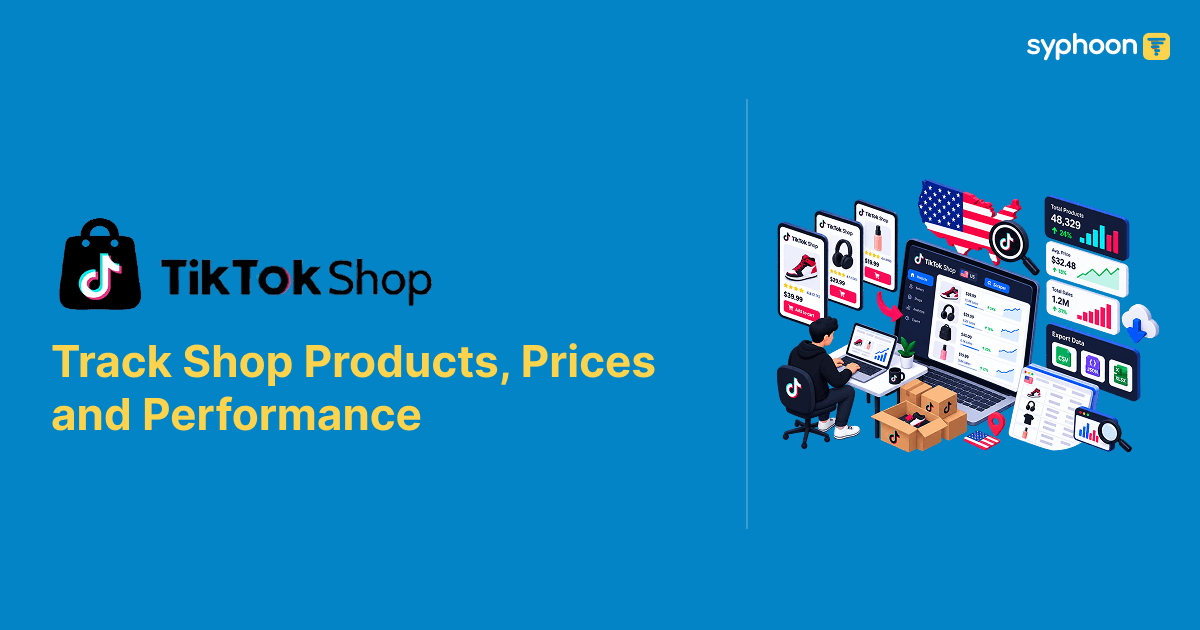
Watching one competitor's product on TikTok Shop tells you about one product. Watching their whole shop tells you how they actually run the business: which items they push hardest, how deep they discount when they need volume, and where their catalog is thin enough that you could take share. A seller scraper pulls every listing tied to a shop ID at once, with price, discount, rating, and sales volume per item, so you're looking at a competitor's full storefront instead of guessing at their strategy from one product page.
What a Seller-Level Pull Returns
A request against a seller ID returns every active listing for that shop, up to a page limit, each carrying the same core fields as a search result: current price, original price where a discount applies, rating, review count, and units sold. Pulling one real seller's catalog in this sample returned 30 listings with more available beyond that, a mix of refurbished devices, cases, and accessories. For a deeper dive into individual product data, check out our TikTok Shop Product Details Scraper guide.
| Field | What It Contains |
|---|---|
| product_id | Unique identifier for the listing |
| title | Full product title |
| sale_price_decimal | Current selling price |
| origin_price_decimal | Pre-discount reference price, present only when the listing has one |
| rate_info.score / review_count | Average rating and number of reviews |
| sold_info.sold_count | Units sold for that listing |
| seller_info.seller_id / shop_name | Identity of the shop being tracked |
| has_more / load_more_params | Whether more listings exist beyond this page, and the token to fetch them |
Sold Count Order Tells You What's Actually Working
The listings in this pull came back sorted by sold count, highest first. The top item had sold 4,995 units. By the thirtieth listing, that number was down to 322. That ordering itself is useful. It's a direct view into which products are carrying the shop's volume and which are sitting further down doing comparatively little. A competitor's top five listings by sold count tell you more about where their revenue actually comes from than their entire catalog does spread evenly.
To get started with your own seller tracking, explore our TikTok dedicated API solutions.
Discount Depth Isn't Uniform, Even Within One Shop
Pulling every listing from a single seller shows something a one-off product check never would: how much that seller's discounting varies product to product. In this sample, one refurbished iPad was discounted from $149.99 to $119.99, exactly 20 percent off. A refurbished iPhone 14 Pro Max nearby in the same catalog was marked down from $829.99 to $479.99, a 42 percent cut. A Pro Max further down went from $1,049.99 to $684.99, about 35 percent off. Same shop, same general category of refurbished electronics, three very different discount strategies running at once.
That spread is the kind of thing you'd only catch by pulling the whole shop. Checking one listing tells you the seller's price on that item. Checking all of them tells you where they're discounting hardest, which is usually where they're either overstocked or feeling the most competitive pressure.
For targeted product discovery, our TikTok Shop Keyword Search tool can help you find specific items across the platform.
Not Every Listing Carries a Discount Reference
A chunk of listings in this seller's catalog had no origin_price_decimal at all, meaning no discount is being tracked against them; the sale price is just the price. Looking at which listings those were, it was mostly accessories: phone cases, a charging bundle, a laptop, a subscription plan. The refurbished devices almost always carried an origin price. That's a real pattern worth building into how you read a shop's data: absence of a discount field isn't missing data, it's the seller not running a markdown on that particular item, and it tends to cluster by product type rather than being random.
When you need comprehensive product intelligence, our TikTok Shop Product Details endpoint provides everything you need.
Need automated TikTok Shop seller storefront and catalog tracking?
A Real Anomaly Worth Watching For
One listing in this seller's catalog, a mobile plan bundle, showed a rating of 0 and a review count of 0, despite having sold 412 units. Every other listing in the same catalog had a rating between 4.5 and 4.8. That's not a data error. Some product types on TikTok Shop, subscription or service-style listings in particular, don't accumulate the same review behavior as physical goods. If you're building a dashboard that flags low-rated products for attention, a rule like "rating under 4.0 means investigate" will misfire on a listing like this one. Zero reviews with real sales isn't the same signal as zero reviews with no sales, and a seller-level pull is what lets you tell the difference, since you can see the sold count sitting right next to the empty rating.
For broader market analysis, check out our TikTok Shop US Search Scraper API guide.
What This Looks Like as Structured Output
Two real listings from the same seller, showing the discount and rating contrast directly:
1{
2  "product_id": "1729659899171279834",
3  "title": "Refurbished iPad 6 9.7 inch (WiFi) - Excellent Condition, 1-Year Warranty",
4  "sale_price_decimal": "119.99",
5  "origin_price_decimal": "149.99",
6  "discount_percent": 20.0,
7  "rating_score": 4.5,
8  "review_count": "893",
9  "sold_count": 4995,
10  "seller": "plug - shop tech"
11}1{
2 "product_id": "1729834710192847291",
3 "title": "Boost Mobile $25/mo Forever Unlimited Plan (with Auto-Pay)",
4 "sale_price_decimal": "32.5",
5 "origin_price_decimal": null,
6 "rating_score": 0,
7 "review_count": "0",
8 "sold_count": 412,
9 "seller": "plug - shop tech"
10}Pagination Across a Full Catalog
This particular seller had more than 30 active listings, and the response indicated additional pages were available beyond what was pulled here. For a shop with a large catalog, one page isn't the whole picture. Walking through subsequent pages using the offset and token the response provides is necessary if you want a complete view of a competitor's storefront rather than just their best sellers.
Explore all our data solutions on our Products page.
Building Ongoing Shop Monitoring
A single pull against a seller ID is a snapshot of their catalog at one moment. Run it again next week and you can see which listings gained sold count fastest, which ones started or stopped discounting, and whether new products entered the shop at all. That comparison across time is what turns a seller pull into actual competitive tracking rather than a one-time catalog dump.
Syphoon runs seller-level pulls against the shop IDs you specify, on the schedule you want, and handles pagination so you get the full catalog rather than just the first page. The output stays in the consistent structure shown above, so building a comparison across pulls doesn't require you to first normalize a scraper's inconsistent output.
Ready to track competitor storefronts on TikTok Shop? Get started through our contact form.
Need enterprise TikTok Shop scraper API access?
Scale Your Web Data Collection with Syphoon
Don't let complex bot protections and proxy management slow down your business. Use Syphoon's enterprise-grade infrastructure to extract structured web data at any scale.
Frequently Asked Questions
Join Our Community
Connect with our team, discuss your use case, ask technical questions, and share feedback with a community of people working on similar problems.